This is neat with some fun features. It's hard to make something that complements the pretty powerful built-in screenshot and measurement tools of macOS.
I take a lot of screenshots with annotations and use Cmd+Shift+4, Skitch and a custom script/app to upload images to my server. After using Shottr for the first time, some unordered feedback:
- The erase tool in addition to blur/mosaic is great. And non-destructive, like the other options.
- Multiple arrow styles, even curved! But, a more curved arrow style would be nice. I love the dynamic Skitch arrow [1], the main reason I still use it to be honest.
- Drag&Drop an image quickly to save it somewhere, nice. But it's not as discoverable as Skitch, with its prominent bottom tab. Took me a bit to find the option, after mousing over the toolbar buttons. And apparently you can just Ctrl+Drag on the image itself to drag the file, interesting.
- Scrolling capture is fun. There are other apps/extensions that capture full web pages, but this does arbitrary capture of anything that is scrollable. Although it doesn't quite work in a multi column Finder [2]
- Undo/Redo would be nice. I guess it's planned or buggy, because the Undo menu item is there but disabled?
- No upload to my own private server. Skitch does that, but doesn't support private key auth (thus my custom upload script/app). I guess you plan to monetize this by offering your own image hosting service? I would pay some bucks for a good upload function to my own server, with various options for auth, file names etc.
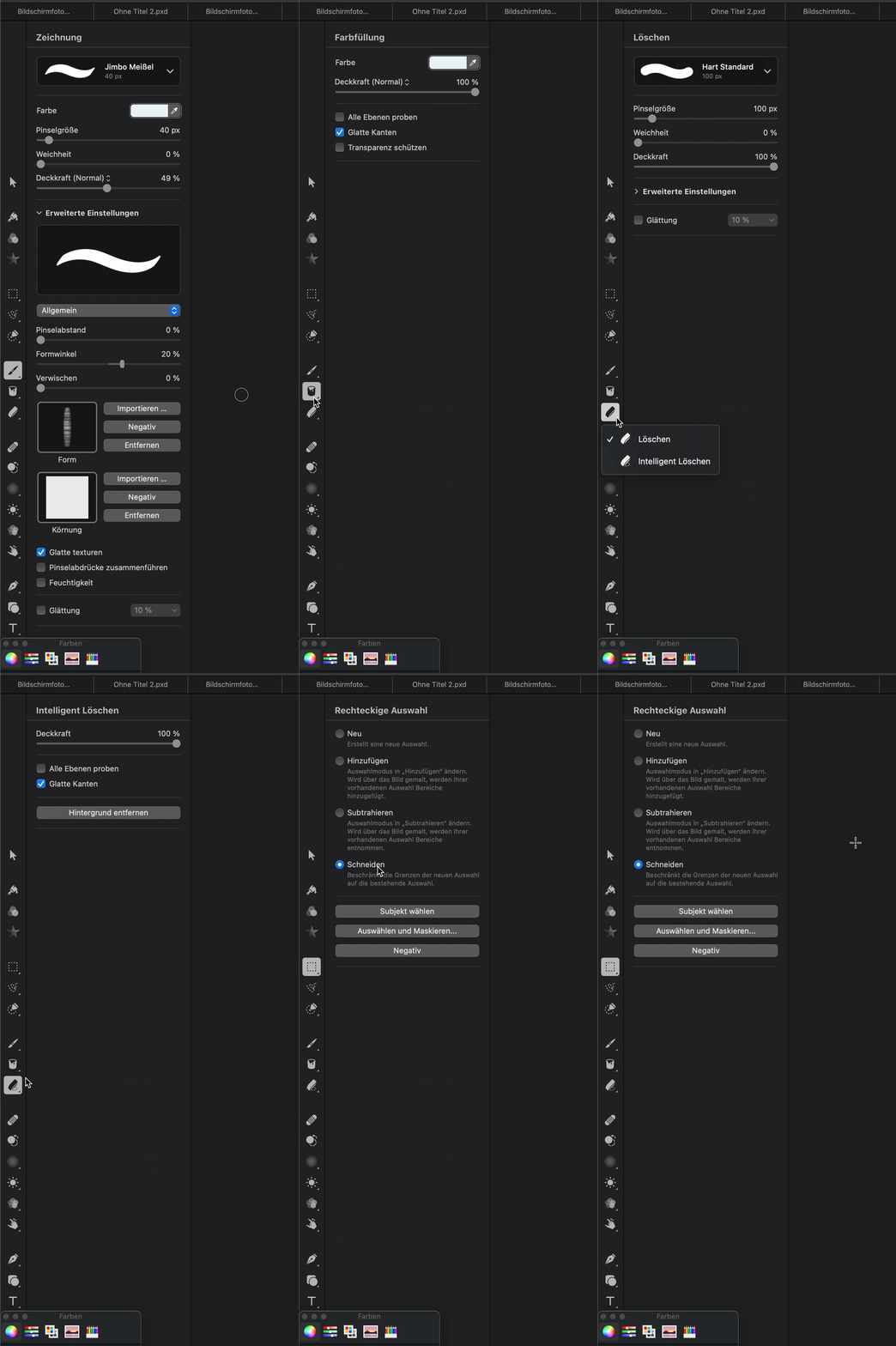
- In general, trying to put all the options in the toolbar might not be the best way. You have to hover over buttons to see their function. Buttons have a second level once you do something, so to get from the erase-tool-settings back to adding a line, I have to click the "back" button, then the line button instead of just an always visible line button. There will probably be more features in the future, with more options. Maybe it's better to add a sidebar and have more room to explicitly show the options and grow functionality.
- Always-on color selector and pressing Tab to copy the value is good. Although it doesn't save time compared to the built-in Digital Color Meter, which works without taking a screenshot.
- The size of a thing should change as you're dragging the handle, not only after you're finished [3]
- Dragging an image on the Dock icon or the "Welcome to shottr" window doesn't work. To edit a screenshot taken with Cmd+Shift+4 I would have to go to the shottr menu icon > ... more > Open File?
- How can I pan a big screenshot with a mouse? There are no scrollbars and Cmd/Option/Ctrl/Shift-mousewheel doesn't work, neither does dragging. Edit: Right mouse button...
tl,dr: Cool stuff, but the workflow and discoverability should be optimized. I'll keep using this, if only for the measuring tool and the curved arrows :) How about some Catmull-Rom arrows that follow a path?
Hey, thank you for taking the time to compile this feedback!
– Undo/Redo: funny thing, it works on Cmd+Z / Cmd+Shift+Z, but is not wired in the menu (don't ask why, it's sort of a tech debt, haha)
– The scrolling issue in the Finder is due to the Finder's way of quirky overriding scroll events in this particular mode. I'm not sure how to fix it tbh.
– Upload to the private server: I don't plan on monetizing the app and would gladly replace uploading to my server with something else. Which protocol would you prefer, FTP, SFTP, SSH?
– trying to put all the options in the toolbar might not be the best way: yeah you're right. I thought it works ok because I mostly use key shortcuts for everything, but for the mouse users it should be a nightmare. I plan on fixing it.
– How can I pan a big screenshot with a mouse: there's also a Space+Drag trick.
— discoverability should be optimized: poor discoverability here was somewhat of a conscious choice. It's always a balance between intuitiveness and efficiency for experienced users. I'm building the app mostly for myself and favor efficiency whenever possible. But now that I have a decent user base, I guess I need to accept some compromises to improve experience for others.
> The scrolling issue in the Finder is due to the Finder's way of quirky overriding scroll events in this particular mode. I'm not sure how to fix it tbh
> Upload to the private server: I don't plan on monetizing the app and would gladly replace uploading to my server with something else. Which protocol would you prefer, FTP, SFTP, SSH?
Everyone has different setups, but SFTP and SSH with custom ports and private key auth should work. And ideally the option to copy a URL to the clipboard and/or show it. So I upload a file bla.png to folder /var/www/domain.com/images, it adds a timestamp or unique key to not overwrite files and returns https://domain.com/images/12345-bla.png. But that's just me, if others need different things they'll write you.
> I thought it works ok because I mostly use key shortcuts for everything, but for the mouse users it should be a nightmare. I plan on fixing it [...] It's always a balance between intuitiveness and efficiency for experienced users.
Yeah, power users like shortcuts and GUI people like to always see the options, but both are new users at some point. Even the future power user likes to see the best options first, before deciding to delve deeper.
> How can I pan a big screenshot with a mouse: there's also a Space+Drag trick
Oh nice. Also add a Pan tool to your sidebar :D
> I'm building the app mostly for myself and favor efficiency whenever possible.
I appreciate that. Building apps for oneself, with lots of "must-have" features missing, is freeing. Who needs pagination, I only ever have 1000 things :)
> But now that I have a decent user base, I guess I need to accept some compromises to improve experience for others.
Also, you're posting this app on Hacker News and you have a nicely crafted website for it, so people will treat it as a product.
But, just as Skitch doesn't have a sidebar and tons of options (which is why I like it, compared to https://app.prntscr.com/en/index.html for example), maybe disregard all feature requests like mine and just keep building it for yourself and see where it goes.
Apologies for the weird formatting of my previous comment, not sure why HN removed the line breaks.
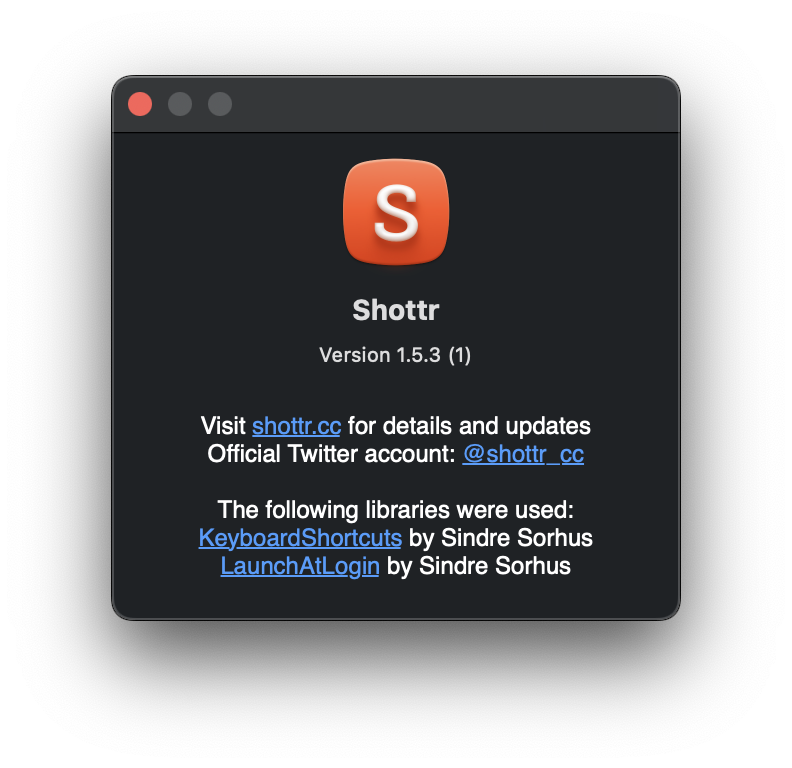
[Cmd+Z doesn't work either here]: Now, that's surprising. Can you please check app version (show the app → menu → About)?
[the future power user likes to see the best options first]: very true. Pixelmator is a bit of an overkill to my taste (after all, Shottr is not a graphic editor), and I'm still striving for an unobtrusive UI, but even with these constraints a more intuitive interface is possible.
[with lots of "must-have" features missing, is freeing]: oh yes! I'm pretty upfront about it being a niche tool, and that's exactly the reason. Many of those missing "must-haves" shave off 10% of the potential audience, but also improve experience for those who don't need them, and help to fight feature creep. In the end I have an excellent tool for myself and, hopefully, a nice app for the users with similar needs. I wouldn't be so excited about this strategy if it was a commercial product, of course.
Having said that, I happily accept all sorts of feedback, including complains and suggestions : )
Not nearly as fast as Hugo or Jekyll (~5 minutes to generate a 1300 post blog), but a nice alternative if you want to keep using a CMS and don't want to expose it to everyone.
thank you for this link - i want to use jekyll or hugo, i do, but i am real bad at organization and i always fall back to using a local WP install to take content and do all the heavy lifting - organizing it, styling it, etc. i get insanely frustrated sometimes trying to work with hugo, just little things that fly in the face of what is mostly a pretty straightforward program, but its those little things that really ruin the entire thing for me.
Like jsFiddle for drawings. In need of a rewrite and mobile support, but pretty useful if you just want to scribble something down and share it. And I like the borderless canvas :)
Thanks. It's just plain JavaScript and some jQuery. It uses SVG so the browser takes on some of the work you'd have to do yourself with canvas, like having the shapes as their own element and detecting mouse events. This also makes it easy to export as SVG (just append .svg to the URL). Server stuff and a small backend runs on minimal PHP and MySQL, no frameworks. The data is stored in a JSON-based format. PNGs are generated from the SVG with ImageMagick. Keyboard shortcuts with jQuery.hotkeys.
Could be more modularized to allow touch input, multiplayer editing, use as a library etc., thus the needed rewrite :>
The endgame for this could be something like https://www.figma.com. They have collaborative editing, use canvas to completely do their own thing for graphics and React+Redux for the interface. Quite amazing.
Also, shortcuts that work without focussing the video. Press space to pause the video, it scrolls down instead. So you learn about "k" which pauses without focus, great. Then you want to skip forward/backward with the arrow keys. Again, doesn't work without focus...
It would be cool if the position and rotation would be synchronized between the two, so I could choose a nice view in the Real-Time tab and switch over to Photo Realistic to get the raytraced version.
It works that way in the editor (although you need a Clara.io account and you need to be logged in) if you set up multiple viewports with the same camera.